EPUB and PDF are everywhere, but they solve completely different problems. One was built for reading on screens, the other for reproducing printed pages. Picking the wrong one makes for a miserable reading experience — especially on phones and tablets.
Here’s what actually matters when choosing between them.
What Is EPUB?
EPUB (Electronic Publication) is an open standard built for ebooks. It’s maintained by the W3C and supported by virtually every reading app that isn’t Amazon’s Kindle.
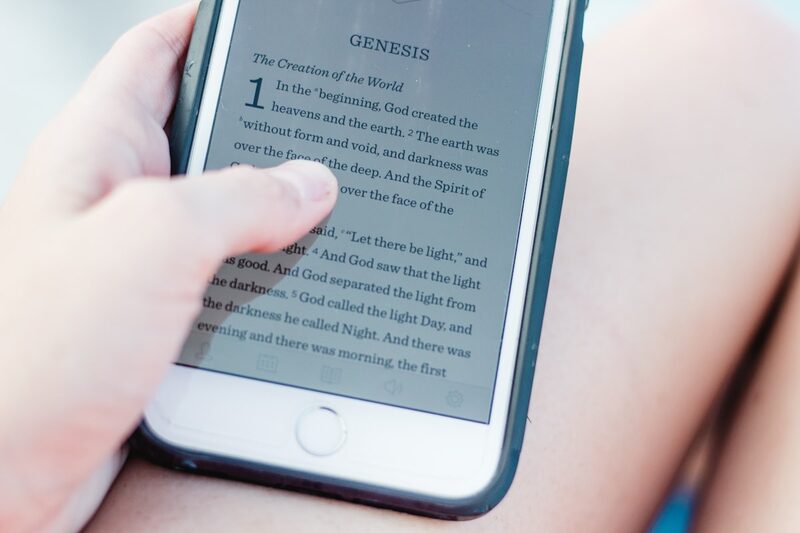
The whole point of EPUB is reflowable text. The content adapts to whatever screen you’re on — big monitor, tablet, phone — and respects your font and size preferences. Think of it like a well-formatted web page packaged into a single file.
What EPUB does well:
- Text reflows to fit any screen size
- You control font size, typeface, and spacing
- Works with text-to-speech and screen readers
- Small file sizes (text is compressed)
- Embedded fonts, images, and chapter navigation
- Open standard — not locked to one company
What Is PDF?
PDF (Portable Document Format) comes from Adobe, originally from the early ’90s. It does one thing and does it perfectly: a PDF looks exactly the same on every device. Same fonts, same layout, same page breaks. Pixel for pixel.
That’s exactly what you want for contracts, tax forms, academic papers, and anything designed for print. It’s terrible for reading a novel on your phone.
What PDF does well:
- Exact visual reproduction everywhere
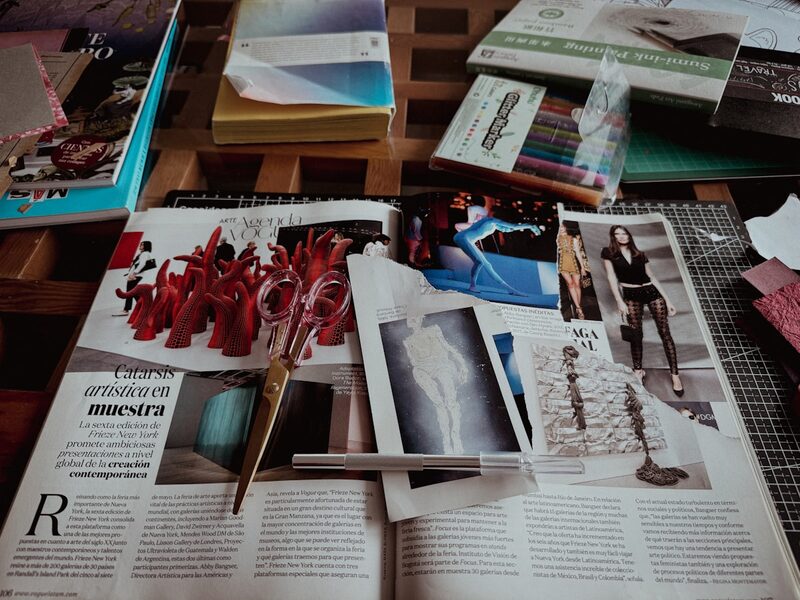
- Preserves complex layouts, tables, and diagrams
- Opens on literally every device
- Forms, annotations, and digital signatures
- Print-ready output
The Key Differences
Here’s where it matters for reading:
| Feature | EPUB | |
|---|---|---|
| Text reflow | Yes — adapts to screen | No — fixed page layout |
| Font size | Fully adjustable | Zoom only (pinch to resize) |
| Phone reading | Comfortable | Constant scrolling and zooming |
| Text-to-speech | Full support | Limited or broken |
| Accessibility | Built-in (screen readers, dyslexia fonts) | Varies — often poor |
| File size | Small (typically 0.5–5 MB) | Large (often 10–100 MB+) |
| Page layout fidelity | Approximate | Pixel-perfect |
| Complex tables/charts | Basic support | Excellent |
| Annotations | Highlights and notes | Full markup, forms, signatures |
When to Use EPUB
Pick EPUB when you care about the words, not the page layout — novels, non-fiction, biographies, essays, anything text-heavy. It’s the right call when:
- You read on more than one device
- You like adjusting font size or switching typefaces
- You use text-to-speech or VoiceOver
- You want a clean reading experience without pinching and scrolling
- You’re building a library you’ll keep
Most free classics from Project Gutenberg, Standard Ebooks, and the Internet Archive come in EPUB — BookShelves includes thousands of free classics you can start reading right away. It’s also the standard for commercial ebooks outside Amazon’s Kindle ecosystem.
When to Use PDF
Pick PDF when the layout is the content — when how things are arranged on the page is part of the meaning:
- Academic papers and journal articles
- Technical manuals with diagrams
- Sheet music
- Tax forms and legal documents
- Magazines and illustrated books
- Architectural plans
If it was designed for print, PDF keeps it intact.
Can You Convert Between Them?
PDF to EPUB conversions are usually rough. PDFs store exact character positions, not document structure, so conversion tools have to guess where paragraphs, headings, and chapters start. You end up with broken paragraphs, garbled tables, and weird formatting.
Going the other way — EPUB to PDF — works better since EPUB has proper structure that can be rendered to fixed pages. Calibre does a decent job of this.
The best move: grab the right format upfront. If a book is available in both, take the EPUB for screen reading and only grab the PDF if you need to print it.
The Bottom Line
For reading on a Mac, iPad, or iPhone, EPUB is almost always what you want. It fits your screen, respects your preferences, works with text-to-speech, and uses less storage. PDF is a document format. EPUB is a reading format.
BookShelves handles both EPUB and PDF, so you don’t have to pick one exclusively. But when you have the choice, go with the EPUB.

