
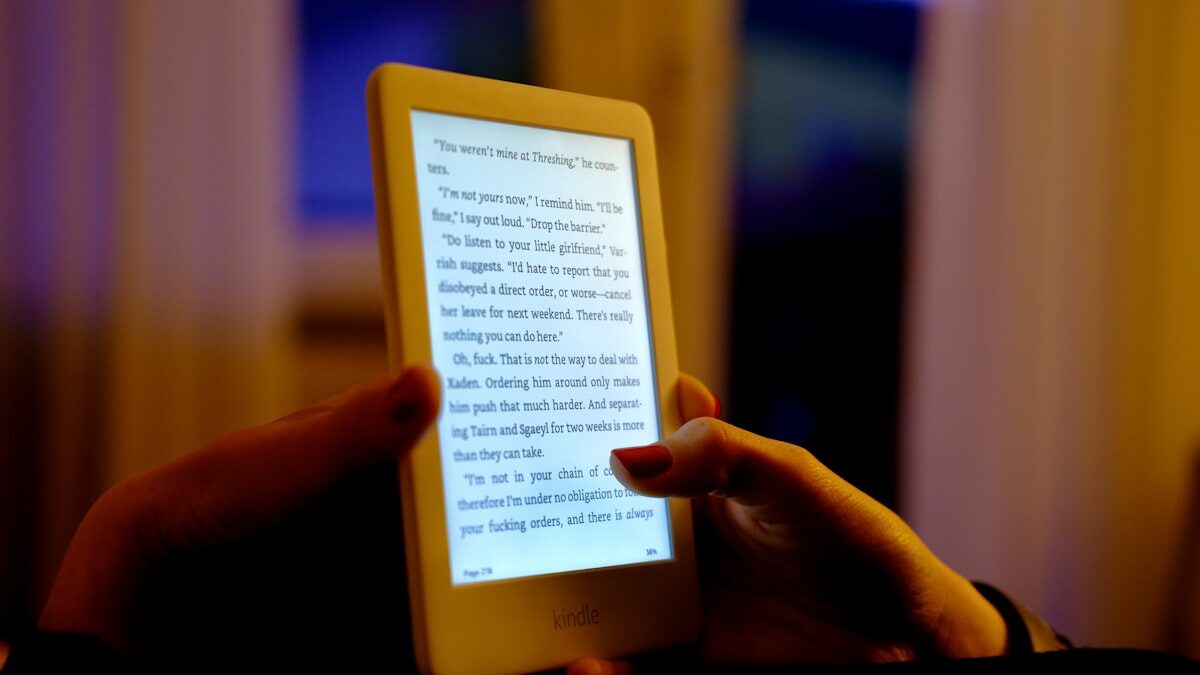
For reading books, EPUB is better. It reflows text to fit any screen, lets you control font size and style, works with text-to-speech, and produces files 5-20x smaller than PDF. For documents where page layout matters (academic papers, legal forms, sheet music), PDF is better because it preserves the exact visual layout on every device.
That is the short answer. The rest of this guide covers when each format is the right choice, how they compare on specific devices, and what changed in 2026.
EPUB vs PDF at a Glance
| Feature | EPUB | |
|---|---|---|
| Best for | Books, novels, non-fiction | Documents, forms, academic papers |
| Text reflow | Yes, adapts to any screen | No, fixed page layout |
| Font control | Change size, typeface, spacing | Zoom only (pinch to resize) |
| Phone reading | Comfortable | Constant scrolling and zooming |
| Text-to-speech | Full support | Limited or broken |
| Accessibility | Built-in (screen readers, dyslexia fonts) | Varies, often poor |
| File size (novel) | 1-2 MB | 10-50 MB |
| Page layout fidelity | Approximate | Pixel-perfect |
| Complex tables/charts | Basic support | Excellent |
| Annotations | Highlights and notes | Full markup, forms, signatures |
| Open standard | Yes (W3C) | Yes (ISO 32000) |
| Kindle support | Yes (since January 2026 for DRM-free titles) | Via Send-to-Kindle |
| DRM options | Adobe ADEPT, Readium LCP | Adobe DRM, password protection |
What Is EPUB?
EPUB (Electronic Publication) is an open standard maintained by the W3C, built specifically for reading on screens. It is supported by virtually every reading app outside of Amazon’s older Kindle ecosystem, including Apple Books, Kobo, and apps like BookShelves.
The defining feature of EPUB is reflowable text. The content adapts to whatever screen you are reading on, and you control the font size, typeface, and spacing. Think of it like a well-formatted web page packaged into a single file.
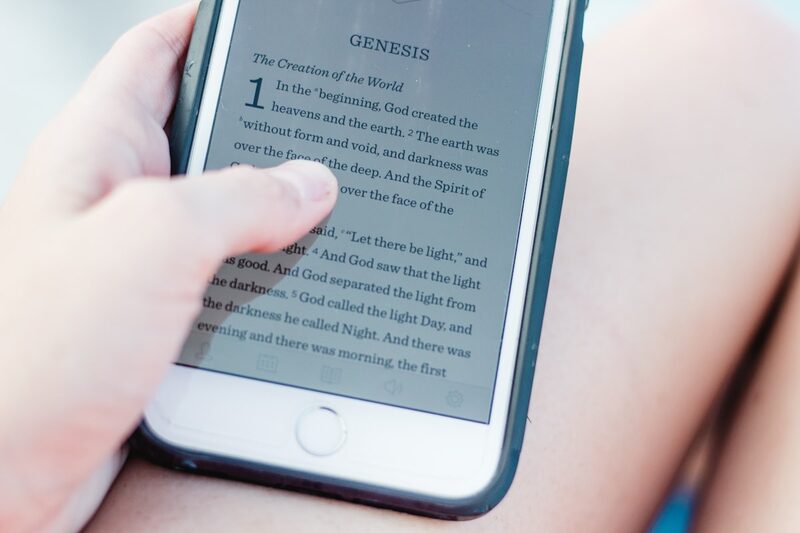
What EPUB does well:
- Text reflows to fit any screen size
- Reader controls font size, typeface, and line spacing
- Works with text-to-speech and screen readers
- Small file sizes (text is compressed, not rendered as images)
- Embedded fonts, images, and chapter navigation
- Open standard, not locked to one company
What Is PDF?
PDF (Portable Document Format) started at Adobe in the early 1990s and is now an ISO standard. A PDF looks exactly the same on every device: same fonts, same layout, same page breaks, pixel for pixel.
That is exactly what you want for contracts, tax forms, academic papers, and anything designed for print. It is the wrong tool for reading a novel on a phone.
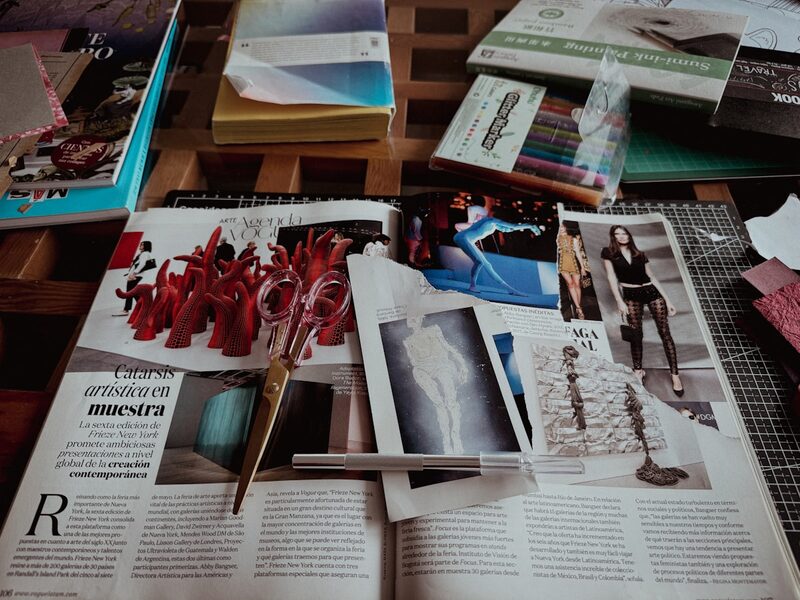
What PDF does well:
- Exact visual reproduction on every device
- Preserves complex layouts, tables, and diagrams
- Opens on literally every device and operating system
- Forms, annotations, and digital signatures
- Print-ready output
When to Use EPUB
Pick EPUB when you care about the words, not the page layout:
- Novels and fiction of any kind
- Non-fiction, biographies, essays and anything text-heavy
- Reading on a phone where reflow is essential
- Reading across multiple devices with synced progress
- Accessible reading with text-to-speech, screen readers, or dyslexia fonts
- Building a library you will keep long-term (smaller files, better organization)
Most free classics from Standard Ebooks and the Internet Archive come in EPUB. DRM-free bookstores sell EPUBs you actually own and can read in any app. BookShelves includes a catalog of 1.5 million free classic books you can start reading right away.
When to Use PDF
Pick PDF when the layout is the content:
- Academic papers and journal articles (citations depend on page numbers)
- Technical manuals with diagrams and schematics
- Sheet music (layout is the content)
- Legal documents, tax forms, contracts (exact reproduction required)
- Magazines and illustrated books (designed for a specific page size)
- Architectural plans and blueprints
If it was designed for print, PDF keeps it intact.
How Each Format Works on Different Devices
iPhone and Android phones
EPUB wins easily. Text reflows to a 6-inch screen, you can read one-handed, and battery use is minimal. PDFs on a phone mean constant pinching, zooming, and panning around pages that were never designed for a small screen.
iPad and tablets
EPUB is still better for prose. A 10-inch tablet can display PDFs acceptably in landscape mode, especially for textbooks and illustrated content. For novels, EPUB remains the more comfortable choice.
Mac and Windows
Both formats work well on a large screen. PDFs are more common here because academic and technical work lives in PDF. For novels and long reads, EPUB is still more comfortable. BookShelves on Mac opens both formats in the same library. See our guide to reading EPUBs on Mac for details.
Kindle devices
As of January 2026, Amazon lets you download DRM-free EPUBs for Kindle titles, and Send-to-Kindle accepts EPUB uploads. Older Kindles still need MOBI or AZW3 conversion. PDFs display on Kindle but without reflow, so text stays tiny. If you have Kindle-format files you want to read elsewhere, see our MOBI/AZW guide.
E-ink readers (Kobo, Boox, PocketBook)
Native EPUB support everywhere. PDFs work but reflow is inconsistent. For a 6-inch e-ink screen, always prefer EPUB.
File Size, Storage, and Syncing
EPUBs are typically 5-20x smaller than equivalent PDFs. A 300-page novel is around 1-2 MB as EPUB but often 20-50 MB as PDF, because the PDF stores full-page images of text rather than the text itself.
This matters when:
- Syncing a large library across devices via iCloud or other cloud storage
- Reading on a phone with limited storage
- Using cellular data to download books
- Keeping hundreds of books on-device
For the same library, EPUB uses a fraction of the space.
DRM and Ownership
Both formats can carry DRM (Digital Rights Management):
EPUB comes in two forms: DRM-free (from Standard Ebooks, the Internet Archive, or DRM-free bookstores) and DRM-protected (Adobe ADEPT or Readium LCP, used by Kobo and most library loans). DRM-free EPUBs work in any reader app.
PDF is usually DRM-free unless it is a commercial academic publication. Most PDFs you encounter are freely copyable.
New in 2026: Amazon now offers DRM-free EPUB downloads for qualifying Kindle titles. This is a significant shift, making it easier to read Kindle purchases in non-Amazon apps.
If you want to read a file on any device of your choosing, DRM-free EPUB is the most portable option.
Converting Between Formats
EPUB to PDF works reasonably well. EPUB has proper document structure (chapters, paragraphs, headings), so tools like Calibre can render it to fixed pages.
PDF to EPUB is usually rough. PDFs store exact character positions, not document structure, so conversion tools have to guess where paragraphs, headings, and chapters start. Text-only PDFs convert better than PDFs with complex layouts, but expect broken formatting.
The best approach: get the right format upfront. If a book is available in both, take the EPUB for screen reading and the PDF only if you need to print it. For Kindle-format files (MOBI, AZW3), see our guide to reading MOBI and AZW files on Mac.
What About MOBI, AZW3, and Other Formats?
MOBI and AZW3 are Amazon’s proprietary formats. MOBI is being phased out as Amazon shifts toward EPUB support. AZW3 (KF8) is Amazon’s enhanced format with better typographic support.
Other formats you might encounter:
- FB2 (FictionBook): Popular in Russian-speaking countries. BookShelves converts it to EPUB automatically on import.
- CBZ/CBR/CB7: Comic book archive formats. Not ebook formats per se, but BookShelves reads them natively.
- DJVU: Scanned document format, similar to PDF but more compressed. Niche.
For most readers, EPUB and PDF cover everything you need. If you encounter other formats, a reader like BookShelves handles the conversion.
The Bottom Line
EPUB for books. PDF for documents. That is the rule of thumb that covers 95% of cases.
EPUB reflows to fit your screen, respects your font preferences, works with text-to-speech, and uses a fraction of the storage. PDF preserves exact page layout, which matters for academic papers, legal forms, and anything designed for print.
BookShelves reads both EPUB and PDF, plus comics, MOBI, and FB2, so you do not have to choose one format exclusively. But when you have the option, go with the EPUB.
Frequently Asked Questions
Is EPUB better than PDF for reading books?
Yes. EPUB reflows text to fit any screen, lets you change fonts and sizes, supports text-to-speech, and produces files 5-20x smaller than PDF. PDF is better for documents where exact page layout matters, like academic papers, legal forms, and sheet music.
Can Kindle read EPUB files now?
Yes, as of January 2026. Amazon now lets you download DRM-free EPUBs for Kindle titles, and the Send-to-Kindle service accepts EPUB uploads. Older Kindles still need MOBI or AZW3 conversion. See our MOBI/AZW guide for details.
Why do most ebooks use EPUB instead of PDF?
EPUB was designed for reading on screens. Its reflowable text adapts to every device, supports accessibility features like screen readers and dyslexia fonts, and compresses text efficiently. A novel that is 1 MB as EPUB might be 30 MB as PDF.
Can I open EPUB files on Mac or iPhone?
Yes. Apple Books opens EPUB natively on both macOS and iOS. Dedicated ebook apps like BookShelves give you more control over fonts, themes, and library organization. See our guide to reading EPUB on Mac or best ebook readers for Mac comparison.
Is PDF dead for ebooks?
No. PDF remains the standard for academic papers, technical manuals, legal documents, and anything where page layout is part of the content. But for reading novels, non-fiction, or any text-heavy book on a screen, EPUB is the right format.
Which is better for textbooks and studying?
Both have strengths. EPUB is easier to read on any device and supports highlights and notes cleanly. PDF preserves exact page numbers for citations and keeps complex diagrams intact. Many students use EPUB for reading and PDF for reference material.
How big are EPUB vs PDF files?
A typical novel is 1-2 MB as EPUB and 10-50 MB as PDF. EPUB compresses text efficiently, while PDF often stores full-page images. For a library of hundreds of books, the storage difference is significant.
Can I convert between EPUB and PDF?
EPUB to PDF works reasonably well since EPUB has proper document structure. PDF to EPUB is much harder because PDFs store character positions, not document structure, so converters have to guess where paragraphs and chapters start. Calibre handles both directions.
What about MOBI and AZW3 formats?
MOBI and AZW3 are Amazon’s proprietary formats, used primarily on Kindle devices. MOBI is being phased out in favor of EPUB. If you have MOBI or AZW3 files, most ebook apps including BookShelves can open them directly or convert them to EPUB.
Read both EPUB and PDF in one app
BookShelves handles EPUB, PDF, comics, and Kindle formats on Mac, iPhone, and iPad.

